
An introduction
worth keeping.
Your photo. Your words. A business card that feels like you.
Create a personal card for iPhone and iPad. Choose your design, make the details yours, and share a contact they can keep.
Explore the appIn development · iOS & iPadOS 27 or later
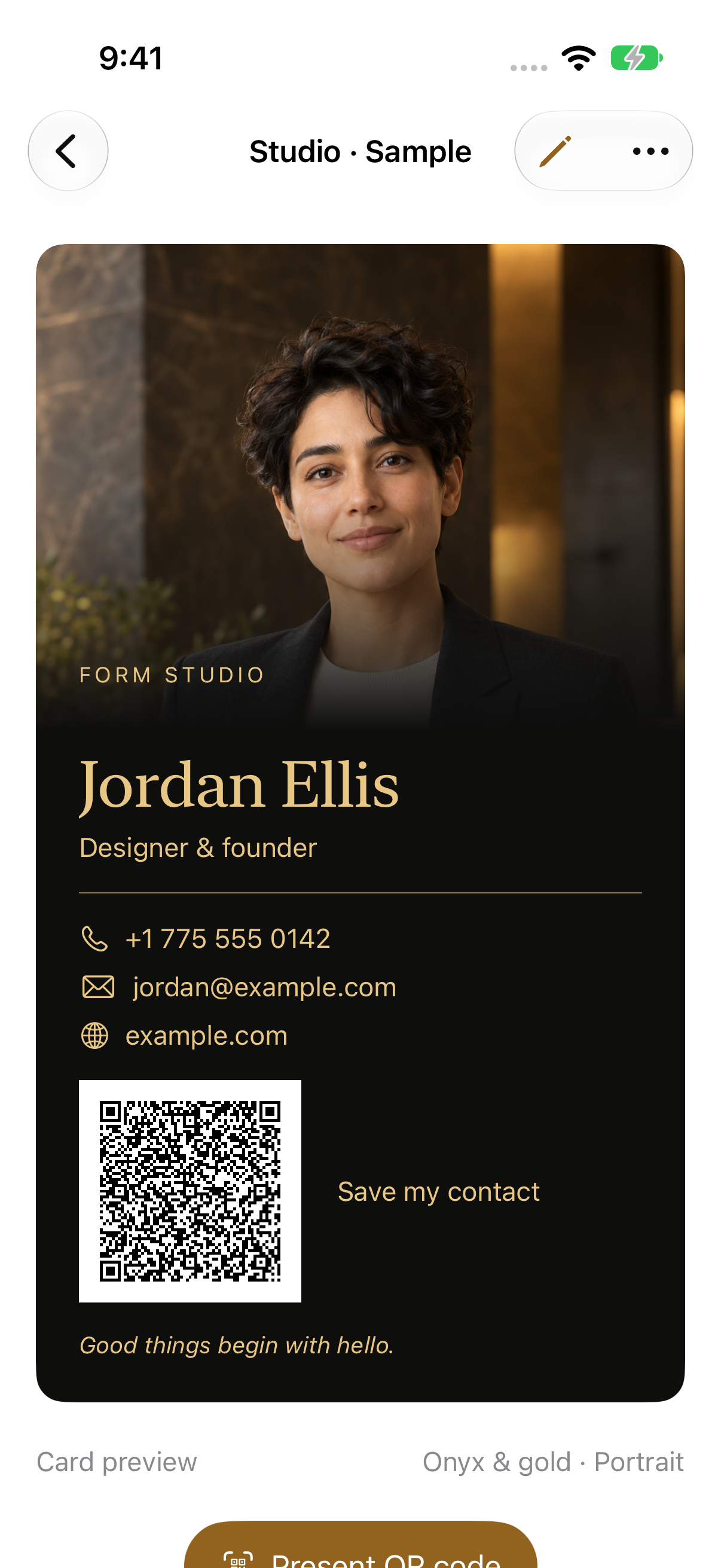
Make it unmistakably yours.
A card is personal. The tools should be, too.
Every detail, in your words.
Change the person, portrait, logo, name, title, contact details, and labels. Keep separate cards for different roles and projects.
A style for your introduction.
Start with ten themes and three layouts. Choose name and body fonts with the native font picker, then adjust sizes and colors.
A simple way to share.
Show a contact QR code, link to an HTTPS website, or export a contact file and card image using the system share sheet.
Find your kind
of first impression.
Explore a few designs from the app. Your own photo, words, and colors make the final card.
Onyx & gold · Actual app screenshot
Each preview shows an existing theme and layout combination. All ten themes are available inside the app.
A small studio.
A personal result.
Real screens from the app. Tap a screen to see it in full.
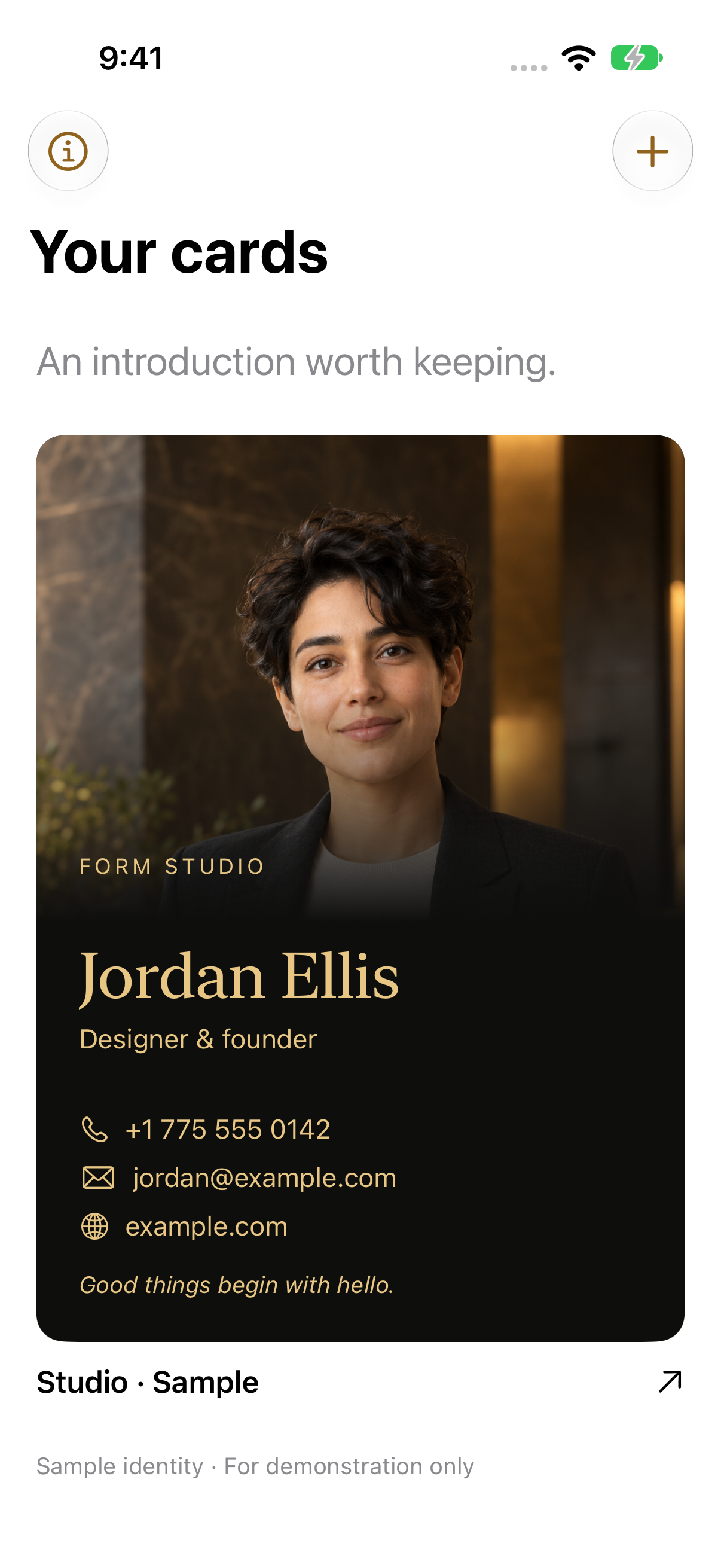
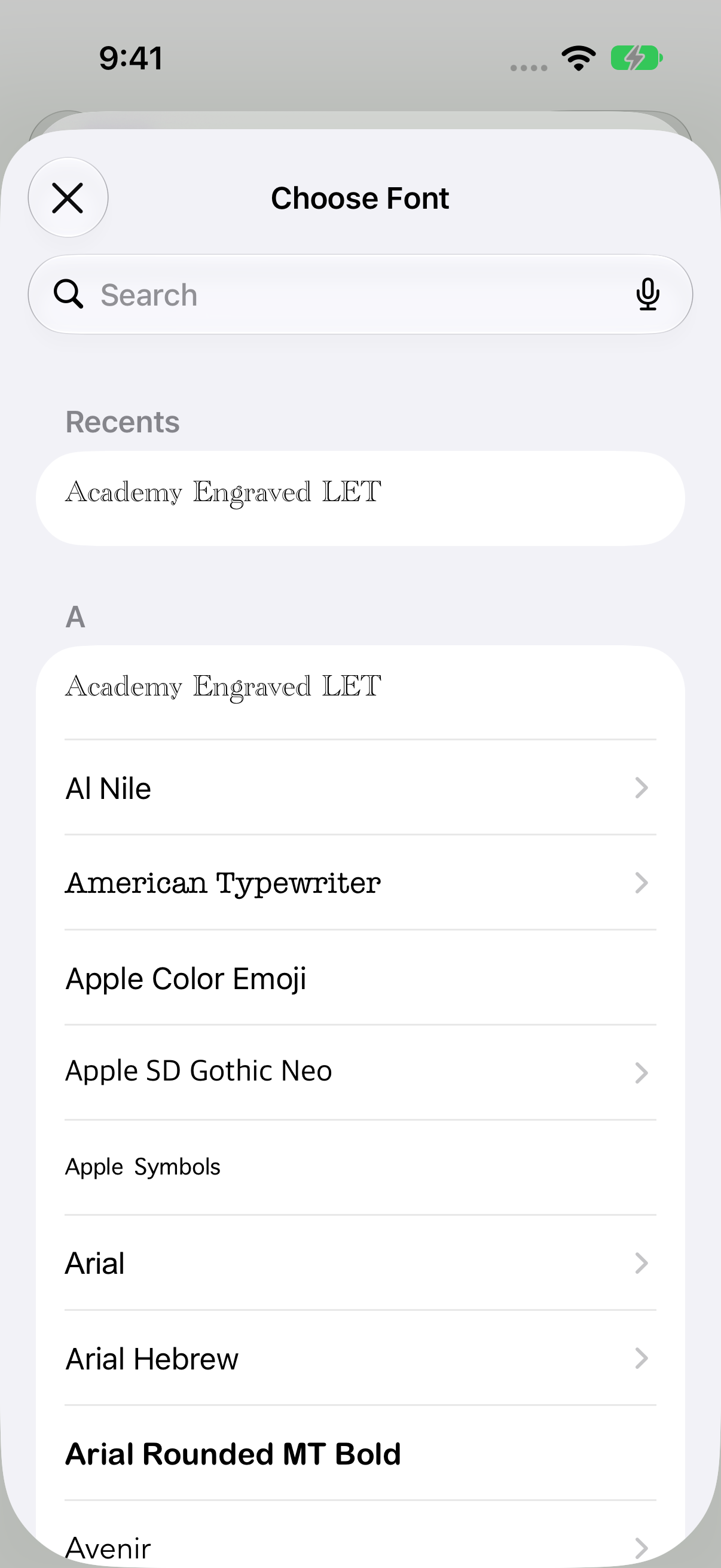
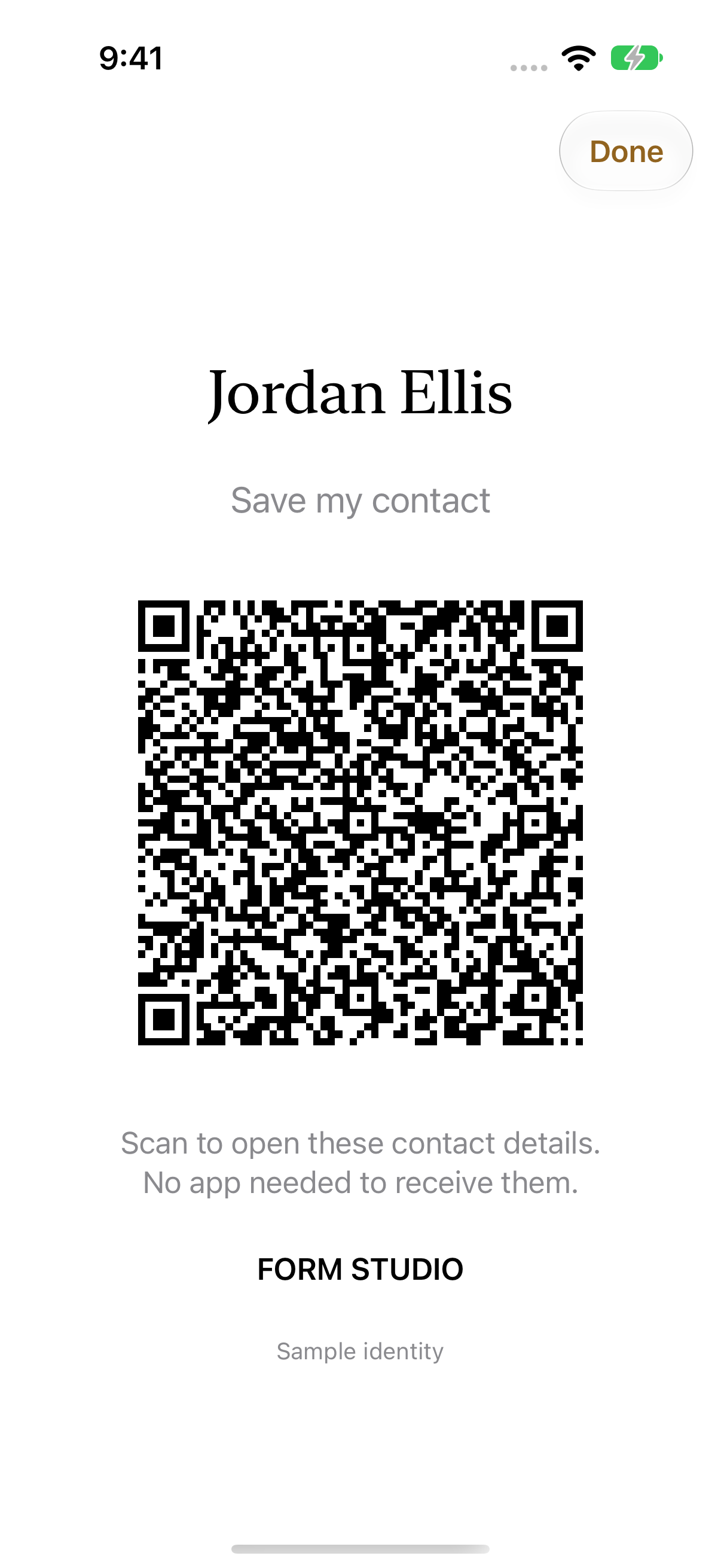
Screenshots captured in iOS Simulator. The pictured person and Jordan Ellis identity are synthetic demonstration content. These are app screens, not Apple Wallet screenshots.
Your photo.
With room to be you.
Replace your portrait whenever you like. Frame it, try removing the background, or restore the original.
Optional person cutouts are processed on your device with Apple Vision. Results depend on the photo and device; difficult edges or photos without a detectable person may need a different image.
How photos workA personal card.
Thoughtful about privacy.
Create and edit without an account. No ads or embedded analytics.
Saved cards stay on your device and may be included in its backups. Sharing is your choice. Optional Wallet signing sends the selected card and artwork to wallet.brieflyos.com after your confirmation.
Read the privacy policyBe ready for your
next introduction.
briefly Contact is in development for iPhone and iPad.
An App Store or public TestFlight download is not available here yet.
Support & availabilityWallet creation requires an available signing service. The release candidate connects to wallet.brieflyos.com. Physical-device Wallet testing remains in progress.